
 Back
Back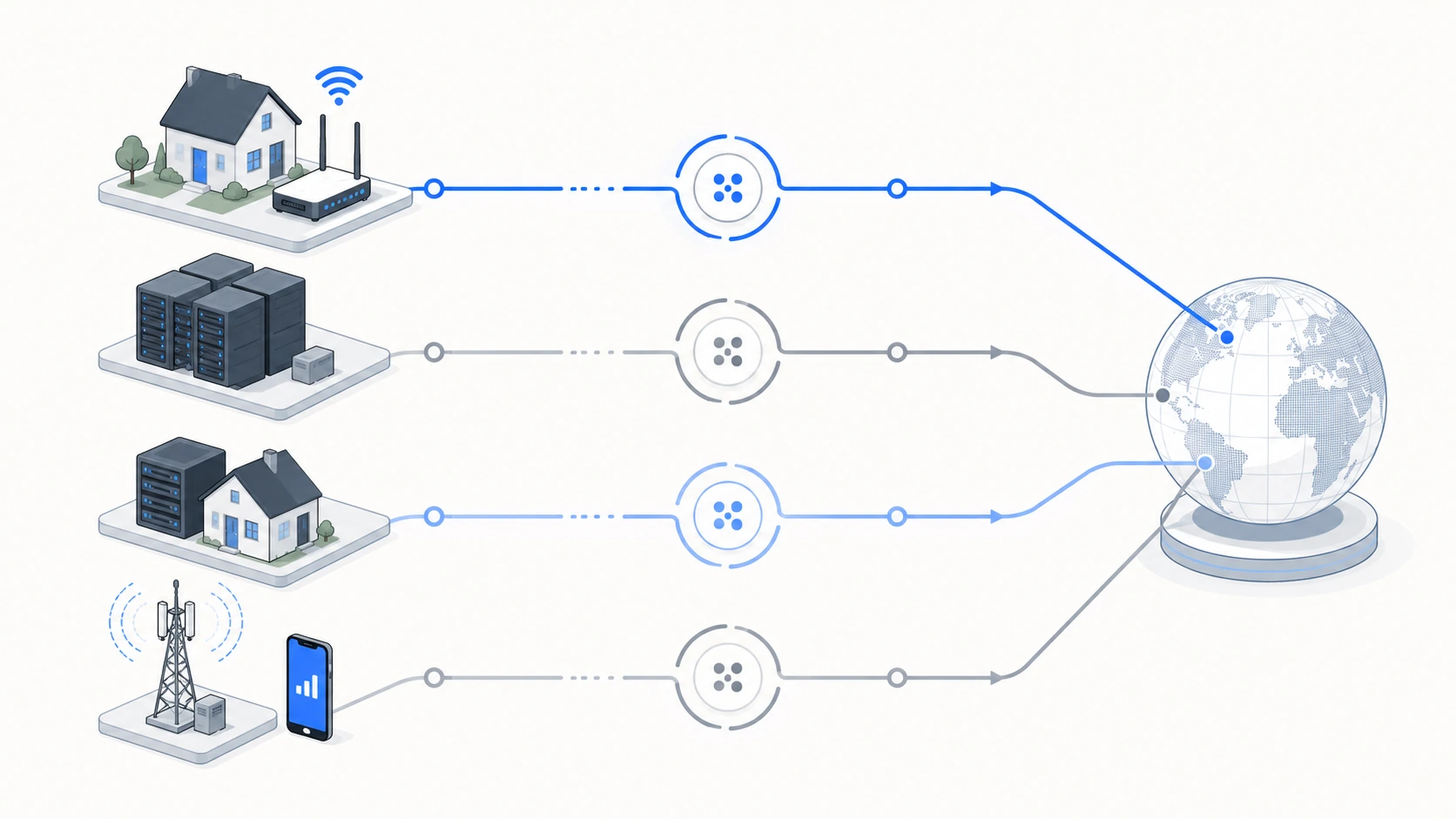

Most people buy the wrong proxy because they shop by adjective. "Residential" sounds safer than "datacenter," so they pay 40x more for it on a job a $0.60 datacenter IP would have handled fine. Then someone does the reverse — points a cheap datacenter pool at a sneaker drop and eats a block on request one. Neither type is good or bad in the abstract. It's a fit question, and the fit depends on what the target's anti-bot stack is actually checking.
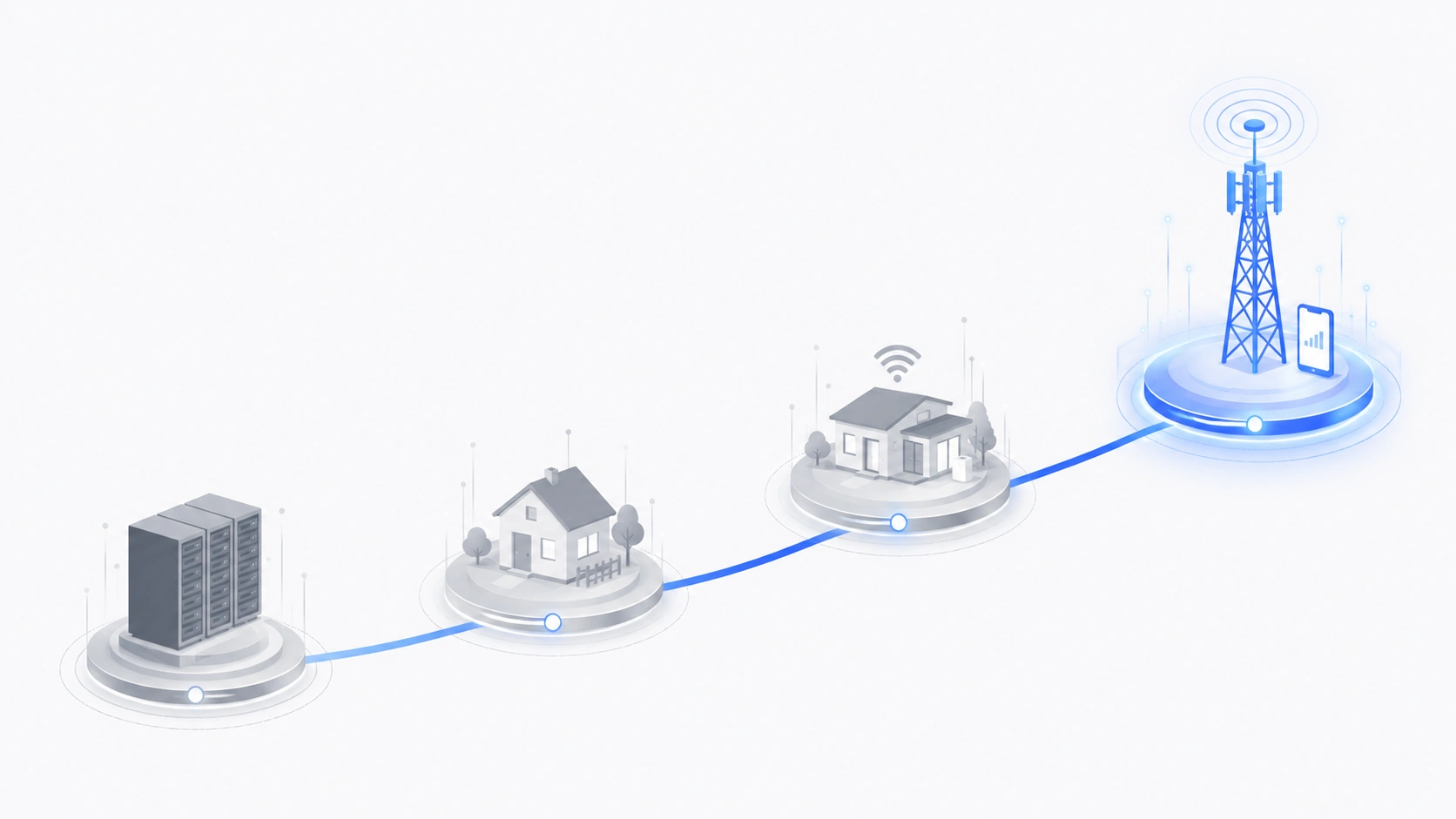
So let's skip the brochure and sort this by the job. Four types, what they really are, where each earns its price, and — the part vendors leave out — where it doesn't.
The four types, minus the marketing
Every proxy is just an IP address your traffic borrows. What changes is where that IP comes from and how much a bot-detection vendor trusts its reputation. That reputation lives at the ASN level — the network block the IP belongs to. Cloudflare, DataDome, Akamai, and HUMAN (formerly PerimeterX) all keep scores on ASNs, and that score is doing most of the work before your request headers even get read.
Residential proxies
Real IPs assigned by consumer ISPs — Comcast, Vodafone, whoever — routed through actual home connections. To a target site the request looks like a person on their couch. This is the highest-trust category for anything that fingerprints IP origin, which is why residential proxies are the default for scraping protected sites. They rotate, so you get a fresh IP per request or per session. The cost is bandwidth-based and it adds up fast.
Static residential (ISP) proxies
Residential IPs that live in a datacenter. You get the ISP reputation of a home connection with the uptime and speed of a server, and — the part that matters — the same IP for weeks. This is the quiet workhorse for anything that has to look like one consistent person over time: aged accounts, long sessions, anything where a rotating IP trips a "why did this login just teleport to Ohio" rule. See static residential if account persistence is your problem.
Datacenter proxies
IPs from cloud and hosting providers. Fast, cheap, effectively unlimited bandwidth. Their ASN screams "server," so any site that checks IP origin flags them in one lookup. Sounds like a dealbreaker, and for some targets it is. But a huge amount of real work happens on sites that don't check — and there, datacenter proxies are the correct, boring, cheap answer. More on that below. It's the most misunderstood call in the whole category.
Mobile / LTE proxies
IPs from 4G/5G carrier networks. The trust ceiling. Carriers use CGNAT — carrier-grade NAT — so a single mobile IP is shared by hundreds or thousands of real subscribers at once. Anti-bot vendors know this, which makes them extremely reluctant to hard-block a mobile IP; the collateral damage to actual paying users is too high. That makes mobile proxies the last resort for the nastiest targets. They're also the priciest per IP. You don't reach for them until you've earned the bill.
The decision table
Here's the version I'd hand a teammate. Costs are rough 2026 market ranges, not quotes — yours will move with volume and vendor. Block-resistance is relative to a well-defended target (think DataDome or Cloudflare Enterprise), not a static blog.
| Proxy type | Best job | Typical cost (2026) | Block-resistance | Where it's the wrong tool |
|---|---|---|---|---|
| Datacenter | APIs, unprotected sites, internal tools, bulk fetch of open data | ~$0.50–$2 / IP/mo or a few $/GB | Low on defended sites | Sneakers, ticketing, social login, retail with DataDome |
| Residential | E-commerce price monitoring, SERP data, ad verification, geo-specific content | ~$2.50–$8 / GB | High | Long persistent sessions; high-volume jobs where GB cost balloons |
| Static residential | Aged accounts, long sessions, account management, checkout flows | ~$2–$6 / IP/mo | High + stable identity | Wide-fanout scraping needing thousands of distinct IPs |
| Mobile / LTE | Social platforms, the hardest anti-bot targets, mobile-only content | ~$15–$90 / IP/mo | Highest (CGNAT shield) | Anything cheaper solves; bandwidth-heavy scraping |
The most expensive proxy mistake isn't buying too cheap. It's paying residential prices for a datacenter job — or running a datacenter pool at a target that flags server ASNs on the first packet and torches your whole subnet's reputation on the way out.
When datacenter is the smart, cheap choice
This is the section people skip, then overpay for a year. Datacenter proxies get a bad rap because everyone benchmarks them against the hardest targets. But look at what a lot of scraping actually hits:
- Public APIs and JSON endpoints that rate-limit by IP but don't fingerprint origin. Rotate a cheap datacenter pool and you're done.
- Documentation, government data, open datasets, most news sites. No anti-bot vendor in the path. Paying for residential here is lighting money on fire.
- Your own infrastructure — staging, QA geo-checks, uptime monitoring from different regions.
- First-pass recon. Probe with datacenter, see if you get a 403 or a challenge, and only then decide whether you need to level up.
A concrete story. A market-research team I worked with was burning residential bandwidth to pull product catalogs off a mid-size retailer. We swapped in datacenter IPs to test, fully expecting a wall. Nothing. The site had no origin check at all — just a soft rate limit. Their monthly proxy bill dropped by roughly 80%, and the success rate went up, because datacenter IPs are faster and no longer throttled by GB caps. The lesson is dull and worth money: test before you assume you need residential. Point our in-dashboard proxy tester at the target first.
When datacenter gets you blocked before your coffee cools
The flip side is just as real. If the target runs a serious anti-bot stack, a datacenter ASN is a self-report. These are the jobs where datacenter fails on request one, no matter how clean your headers are:
- Sneaker and limited-drop retail. Nike, Shopify-plus stores with bot defense, ticketing — they block datacenter ranges wholesale, and have for years.
- Social platforms. Instagram, TikTok, LinkedIn. Datacenter logins get challenged or banned almost on contact. This is mobile-proxy territory.
- Sites behind DataDome or HUMAN with origin scoring turned up. Plenty of airlines, sportsbooks, and premium e-commerce fit here.
- Anything doing TLS fingerprinting (JA3/JA4) plus ASN checks. Even a perfect IP won't save a request whose TLS handshake screams "Python."
Quick aside on that last point, because it trips up smart people. Your proxy is only half the fingerprint. Hit a Cloudflare-defended target and the IP can be flawless — you'll still catch a managed challenge because your requests library has a giveaway JA3 signature. Tools like curl-impersonate, or a real browser driven by Playwright, exist precisely because the IP was never the whole story. A great proxy does not fix a bad client fingerprint.
A quick worked example
Here's the "probe cheap, escalate only if needed" pattern in practice. Same request, two proxy tiers, and you only pay for the expensive one when the cheap one folds.
import requests

TARGET = "https://example-retailer.com/api/products?page=1"

DATACENTER  = "http://user:[email protected]:8000"
RESIDENTIAL = "http://user:[email protected]:8000"

def fetch(proxy):
    r = requests.get(
        TARGET,
        proxies={"http": proxy, "https": proxy},
        timeout=15,
    )
    return r.status_code, len(r.content)

# Try the cheap path first.
code, size = fetch(DATACENTER)
if code == 200:
    print(f"datacenter OK ({size} bytes) — done, no upgrade needed")
else:
    print(f"datacenter got {code}, escalating to residential")
    code, size = fetch(RESIDENTIAL)
    print(f"residential returned {code} ({size} bytes)")
Run that across a sample of your target URLs before you commit to a plan. Ten minutes of testing routinely reshapes a proxy budget.
Picking, in one paragraph
Start with the cheapest thing that could work and move up only when you hit a wall. Unprotected target or your own API? Datacenter — and don't let anyone upsell you off it. Need to look like a real person on a defended e-commerce or search target, rotating through many identities? Residential, priced per GB, so watch your payload size. Managing accounts or holding a long session where the IP must stay put? Static residential. Fighting a social platform or the ugliest anti-bot on the internet? Mobile — check mobile pricing before you flinch, because one 4G IP sometimes beats a hundred cheaper ones that all get banned by lunch.
The providers worth using — ours included — let you mix all four under one account, pay as you go, and settle in crypto if that's your thing. That flexibility matters more than any single line on a spec sheet, because real jobs rarely fit one type cleanly. You'll run datacenter for the bulk fetch, residential for the protected 10%, and mobile for the two endpoints that fight back. Buy for the job in front of you, not the adjective on the pricing page.