
 Back
Back

Most people get this wrong on day one. They swap in a fresh proxy pool, watch the block rate dip for an afternoon, and decide the IP was the problem. Then DataDome catches up by Thursday and they're back to a wall of 403s and CAPTCHA loops, blaming the proxies again. The proxies weren't great, sure. But they were maybe 40% of what got you flagged.
The other 60% is everything your client says about itself before it sends a single byte of your request. TLS handshake. HTTP/2 frame ordering. Header casing. Whether your "browser" has navigator.webdriver lit up like a Christmas tree. Vendors have spent a decade turning those signals into a fingerprint that follows you across IPs. Let's take it in the order that actually matters.
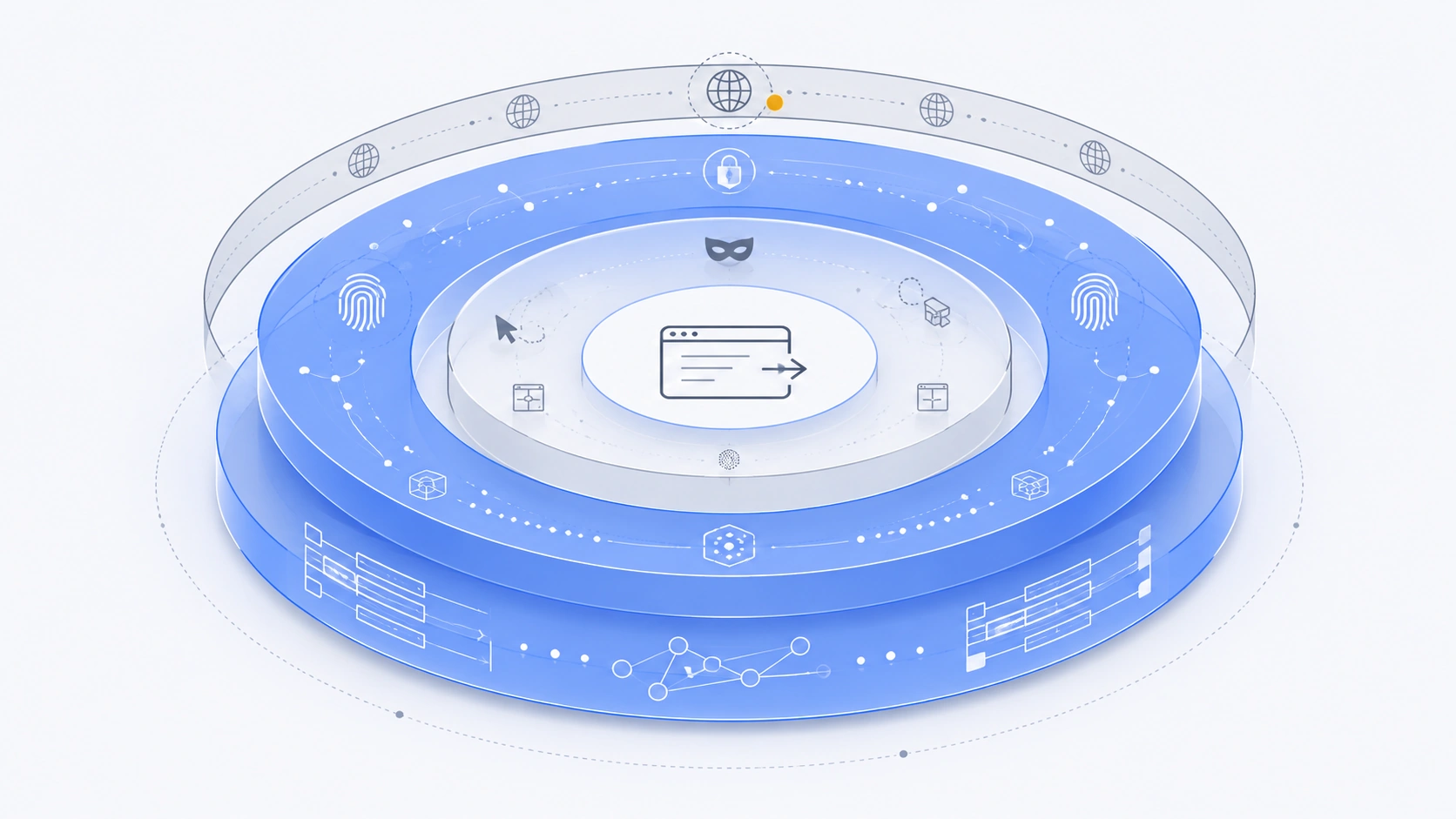
Who's actually stopping you
Four names show up on nearly every hard target in 2026. Which one you're facing changes your whole approach, because they weight signals differently.
- Cloudflare — the most common wall, and the most beatable at the low end. Their bot score leans on TLS and HTTP/2 fingerprints plus IP reputation. Managed Challenge and Turnstile are the escalation. A clean fingerprint gets you surprisingly far.
- DataDome — behavioral and fast. It scores the session, not just the request, and it's aggressive about mouse movement, timing, and device coherence. This is the one that catches you on Thursday.
- HUMAN (formerly PerimeterX) — heavy client-side JS sensor, popular on retail and sneaker sites. It fingerprints the browser deeply and hates headless tells.
- Akamai Bot Manager — enterprise, quiet, patient. Often you won't get a hard block. You'll get slow poison: degraded data, stale prices, shadow rate-limits. That's worse, because you don't notice for a week.
Don't know which vendor guards your target? Check response headers and cookie names first. A datadome cookie or an x-dd-b header tells you plenty. So does a cf-ray. Two minutes of curl saves you a day of guessing.
The fingerprint layer: JA3, JA4, and HTTP/2
Open a TLS connection and your client advertises a specific list of cipher suites, extensions, and elliptic curves, in a specific order. That ordering isn't random. It's baked into whatever library you're using. Python's stock requests produces a TLS signature that screams "not a browser," because no version of Chrome or Safari has ever negotiated in that order. Hash it and you get your JA3. The newer JA4 family is more granular and much harder to spoof by accident, and the serious vendors moved to it a while ago.
Real Chrome on Windows has a known JA4. Your scraper, unless you've put in the work, has a different one. DataDome and Akamai both keep allowlists of known-good browser fingerprints. If yours isn't on the list, you can rotate residential IPs all day and still get scored as a bot. The IP was never the tell.
You can have a perfect residential IP and still get made in one handshake. The packet you send before your request says more about you than the address you send it from.
HTTP/2 stacks a second fingerprint on top. Pseudo-header order (:method, :authority, :scheme, :path), your SETTINGS frame values, window sizes, priority frames — browsers have distinctive patterns here too. A client whose TLS says "Chrome" but whose HTTP/2 says "Go standard library" is a contradiction, and contradictions are exactly what these systems hunt for. Coherence beats perfection. A boring, plausible, self-consistent client beats a clever one that argues with itself.
Fixing it in practice
For raw HTTP work, curl-impersonate is the pragmatic answer. It's a curl build patched to reproduce a real browser's TLS and HTTP/2 signature exactly. Here's the shape of it with a proxy attached:
# curl-impersonate: borrow a real Chrome fingerprint, route through a residential exit
curl_chrome116 \
  --proxy "http://USER:[email protected]:7000" \
  --compressed \
  -H "Accept-Language: en-US,en;q=0.9" \
  -o out.html \
  "https://target.example.com/catalog?page=1"

# sanity-check the exit IP and its JA4 before you scale up
curl_chrome116 --proxy "http://USER:[email protected]:7000" https://tls.peet.ws/api/all
Run that second command against a fingerprinting endpoint and confirm the JA4 matches real Chrome, not your shell. If it doesn't, nothing downstream matters.
Headless browser tells
Sometimes raw HTTP won't cut it. The target renders critical data in JavaScript, or the sensor demands a real DOM. Now you're in Playwright or a patched Chromium. That solves rendering. It also hands you a fresh pile of ways to get caught, because default headless Chrome leaks like a sieve.

The usual suspects, roughly in order of how often they burn people:
navigator.webdriver === true— the oldest tell, still shipping in default setups. Patch it out.- Missing or inconsistent
window.chromeobject, plugin arrays, and permissions API responses. - Canvas, WebGL, and AudioContext fingerprints that come back too clean, or identical across every session you run. Real users have noisy, varied hardware.
- Font enumeration and screen dimensions that don't match a plausible device. A 1x1 viewport or some exotic resolution is a flag.
- Timezone and locale that contradict your exit IP. A US residential IP running an
Etc/UTCclock with a GermanAccept-Languageis nonsense no real person produces.
Here's a Playwright starting point with a proxy and the first round of hardening. It is not a finish line — DataDome and HUMAN will still profile your behavior — but it clears the static checks that block you before the page even loads.
from playwright.sync_api import sync_playwright

PROXY = {
    "server": "http://gw.bypass.io:7000",
    "username": "USER",
    "password": "PASS",
}

with sync_playwright() as p:
    browser = p.chromium.launch(
        headless=True,
        args=["--disable-blink-features=AutomationControlled"],
    )
    ctx = browser.new_context(
        proxy=PROXY,
        locale="en-US",
        timezone_id="America/New_York",   # must match the exit IP's region
        viewport={"width": 1366, "height": 768},
        user_agent=(
            "Mozilla/5.0 (Windows NT 10.0; Win64; x64) "
            "AppleWebKit/537.36 (KHTML, like Gecko) "
            "Chrome/124.0.0.0 Safari/537.36"
        ),
    )
    # kill the most obvious automation flag before any page script runs
    ctx.add_init_script(
        "Object.defineProperty(navigator,'webdriver',{get:()=>undefined})"
    )
    page = ctx.new_page()
    page.goto("https://target.example.com/", wait_until="domcontentloaded")
    print(page.title())
    browser.close()
Look at the timezone and locale lines. Rotate an IP into a new country and those have to move with it. That single mismatch has ended more scraping runs than bad proxies ever have.
Rotation, pacing, and the part everyone rushes
Rotation strategy is where good intentions go to die. The instinct is to rotate the IP on every request. Maximum entropy, minimum footprint. For most targets that's exactly wrong. A logged-in session or a multi-page flow that hops IPs mid-journey looks less human, not more. Real people don't teleport between three cities while adding items to a cart.
Match the rotation to the job:
| Job | Session type | Rotation cadence | Best proxy fit |
|---|---|---|---|
| Broad page harvesting, no login | Rotating | Per request or per few | Residential |
| Logged-in accounts, carts, checkout flows | Sticky | Hold 10–30 min per session | Static residential |
| Bulk static/API endpoints, weak defenses | Rotating | Fast | Datacenter |
| Hardest mobile-first targets, sneaker/social | Sticky | Per session | Mobile / LTE |
On the hardest targets, mobile proxies earn their premium. Carrier-grade NAT means hundreds, sometimes thousands, of real subscribers share one public mobile IP, so a vendor that blocks it also blocks a chunk of paying humans on that carrier. They're reluctant to do that, and that reluctance is what you're renting. It costs more — plan on it, often several times the per-GB rate of residential — but for Instagram-class or sneaker-drop targets it's frequently the only thing that holds.
Pacing matters as much as identity. A few habits that keep you under the line:
- Randomize inter-request delays. Not
time.sleep(1)on a loop. Humans are jittery. Draw from a distribution, and vary it by page type. - Respect concurrency limits per exit. Twenty simultaneous connections from one residential IP is a signature no household produces.
- Warm up. Hit a couple of innocuous pages before the one you actually want, the way a browser arrives with a referer chain behind it.
- Watch for soft failures. A 200 with subtly wrong or thin data is Akamai poisoning you. Validate content, not just status codes.
A checklist you can actually run
Before you scale a job past a handful of test requests, walk this in order. Skipping ahead is how you burn a proxy pool learning something the first step would have told you for free.
- Identify the anti-bot vendor from headers and cookies. Know your opponent.
- Verify your client's JA4 and HTTP/2 fingerprint match a real browser. Test against a fingerprint endpoint, not hope.
- Confirm timezone, locale, and
Accept-Languageagree with your exit IP's geography. - Pick the right proxy type and rotation cadence for the job. Don't rotate sticky sessions.
- Test one exit IP through the in-dashboard proxy tester before committing the whole pool.
- Randomize pacing and cap concurrency per exit.
- Validate response content, not just HTTP status, so soft blocks don't corrupt your dataset in silence.
- Start small, watch the block rate over 24 hours, then scale. The Thursday problem only shows up with time.
None of this is a permanent win. Vendors ship updates, allowlists shift, and a technique that sailed through last quarter starts drawing challenges. That's the actual job. Not a one-time setup but a maintained coherence between your IP, your fingerprint, and your behavior. Get those three telling the same story and you'll spend far less time staring at 403s.
Clean exits are the foundation the rest sits on. Our residential and mobile pools give you country, state, city, and ISP targeting to keep geography coherent, sticky sessions for the flows that need them, and a tester so you're not scaling on faith. Fix the fingerprint and the pacing, point them at good IPs, and the block rate mostly takes care of itself. More teardowns like this over on the blog.